Define the materials your business publishes regularly, then build the identity and templates around those formats.
Start with the situations the brand needs to work in
List where customers see your business: website, social posts, proposals, packaging, signage and email. Note the most common sizes and production requirements. A logo that works on a large presentation may need a different arrangement for a small profile image.
Describe the audience and the impression you want the materials to create. Use concrete references and explain what you like about each one. That gives a designer more direction than asking for something modern without defining what modern means for your business.
Create a system of repeatable decisions
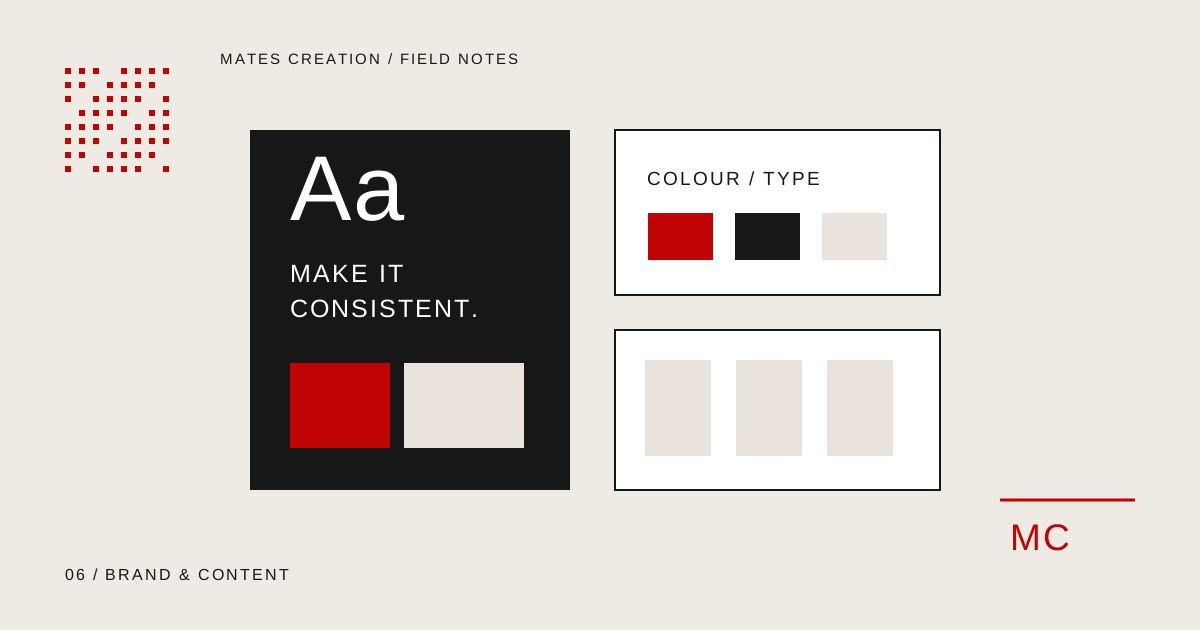
Agree logo versions, a colour palette, typography and an image approach. Then apply them to actual materials. A set of disconnected sample designs is harder for a team to reuse than a system with defined rules.
Guidance should cover small but recurring questions: which logo to use on a dark background, how headings are styled and what spacing a template needs. Include accessible colour combinations for important text and actions. Test the guidance in the formats your team uses.
Write content around an actual customer need
Choose content themes from your service questions and customer decisions. A website team might explain how to prepare a brief. A retailer might explain sizing and care. A professional service business might answer questions about its process.
Assign each piece a purpose and an appropriate action. Some posts help people understand a topic; others explain a service or invite an enquiry. The wording and format should fit that purpose rather than forcing every post into the same sales message.
Make production and approvals predictable
Agree who supplies information, who drafts the content and who approves the finished material. Set a realistic schedule that includes revisions. A content calendar needs enough detail to produce the work, including format, topic, source material and publication destination.
For video or photography, confirm what footage exists and what must be produced. A video edit and a location shoot involve different responsibilities. Define these items in the proposal so the team knows what it is reviewing.
- Topic, format and intended customer action
- Owner of copy, visuals and source material
- Review date and approving person
- Publication destination and reusable files
Request a handover built around everyday tasks
Ask for the agreed file formats, templates and font or image licensing information. Specify which editable files are included. Your team should know how to make a routine update and when to ask for design support.
Try creating a new post or proposal using the handover materials. If the task requires guessing at colours, spacing or wording, the guidelines need refinement. Review the system as the business adds new services and channels, keeping the core decisions consistent.
Your planning checklist
- A list of real brand touchpoints
- Logo, colour, type and image guidance
- Templates for recurring materials
- Content themes and an approval workflow
- Agreed source files and usage rights
Where Mates can help
Explore the relevant service scope, deliverables and working process. We review requirements before agreeing a proposal.
Branding & Graphic DesignSocial Media & Content CreationDiscuss Your Project