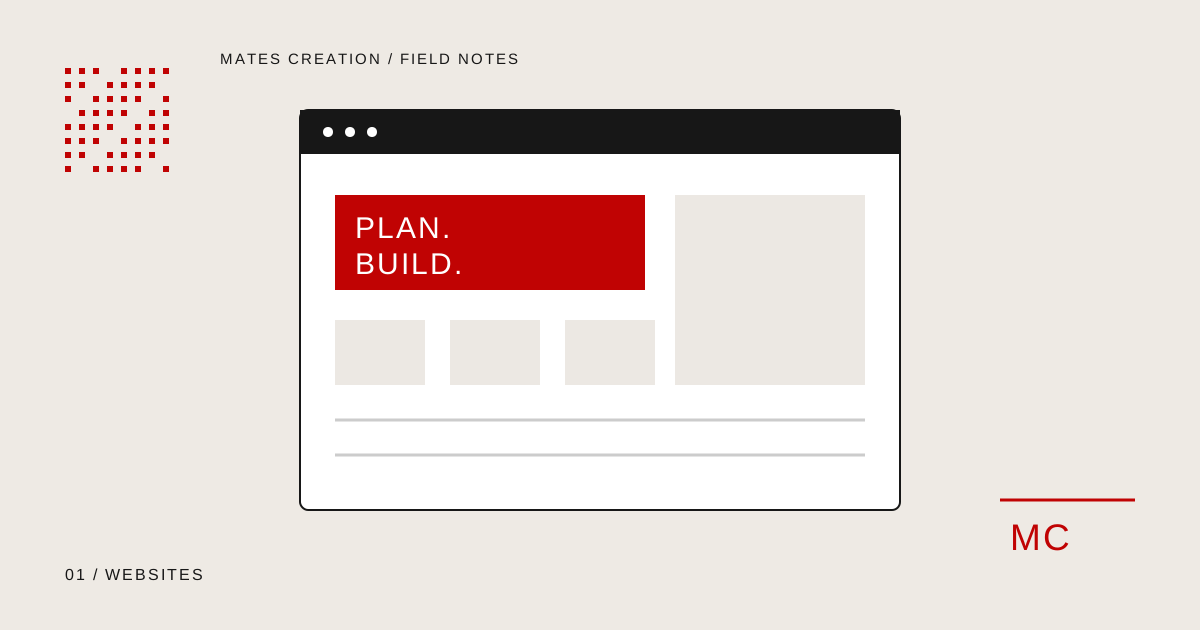
Write down the main customer action, page list and editing requirements before comparing website proposals.
Choose the action the website needs to support
Start with the next step you want a visitor to take. A consultancy may need a qualified enquiry. A clothing store needs a customer to choose a size and complete a purchase. A booking business needs someone to select an available slot. These journeys need different pages and functionality.
Write one sentence describing your main visitor and their task. Then explain what your team needs to receive when that task is completed. A form submission might need a service choice, location and project brief, rather than only a name and phone number.
Plan pages around customer questions
List what someone needs to know before contacting you. Separate distinct services when each has a different audience or buying decision. A service page should explain the work, what is included, how it runs and what you need from the customer.
Prepare genuine business details, approved photography, product information and contact links. Mark missing content clearly in the brief so it can be assigned to an owner. Avoid building a page around claims that your team cannot support.
- Homepage and service or product pages
- About, contact and enquiry journeys
- Policies relevant to the business
- Existing URLs that need to be retained or redirected
Decide how your team will edit the site
Ask who will update text, publish articles and manage products. An editing system should match those tasks. WordPress can suit businesses that need managed content and reusable page templates. A custom application may be appropriate when a particular workflow needs more specific functionality.
Request a handover demonstration using a real editing task. Changing a price, replacing a banner and publishing a page should have agreed steps and permissions. Platform choice should include maintenance needs, rather than only the initial build.
For an online store, document the operating rules
A shop brief needs sizes, colours, stock rules, delivery locations and payment requirements. WooCommerce provides a setup checklist for core store configuration. Review the official documentation alongside your own operational decisions.
Before launch, test a complete purchase and its confirmation. Check what happens when a payment fails, a product is unavailable or a delivery address falls outside the supported area. Agree who investigates those failures after handover.
Reference: WooCommerce setup documentation
Confirm integrations and launch responsibility
List every connection the site needs, such as CRM, booking, email and payments. Identify the account owner and whether the provider supports the required connection. A logo for a tool in a proposal does not explain what information will actually move between systems.
Ask for an agreed launch checklist covering mobile layouts, forms, redirects, metadata, backups and account access. Specify who supplies content, approves layouts and maintains the site. Those decisions make scope comparisons more useful than simply comparing the number of pages.
Your planning checklist
- A clear customer action
- Approved page list and content owners
- Editing and access requirements
- Documented store and integration rules
- Launch checks and maintenance responsibilities
Where Mates can help
Explore the relevant service scope, deliverables and working process. We review requirements before agreeing a proposal.
Website Development & E-commerceSoftware & Web Application DevelopmentDiscuss Your Project