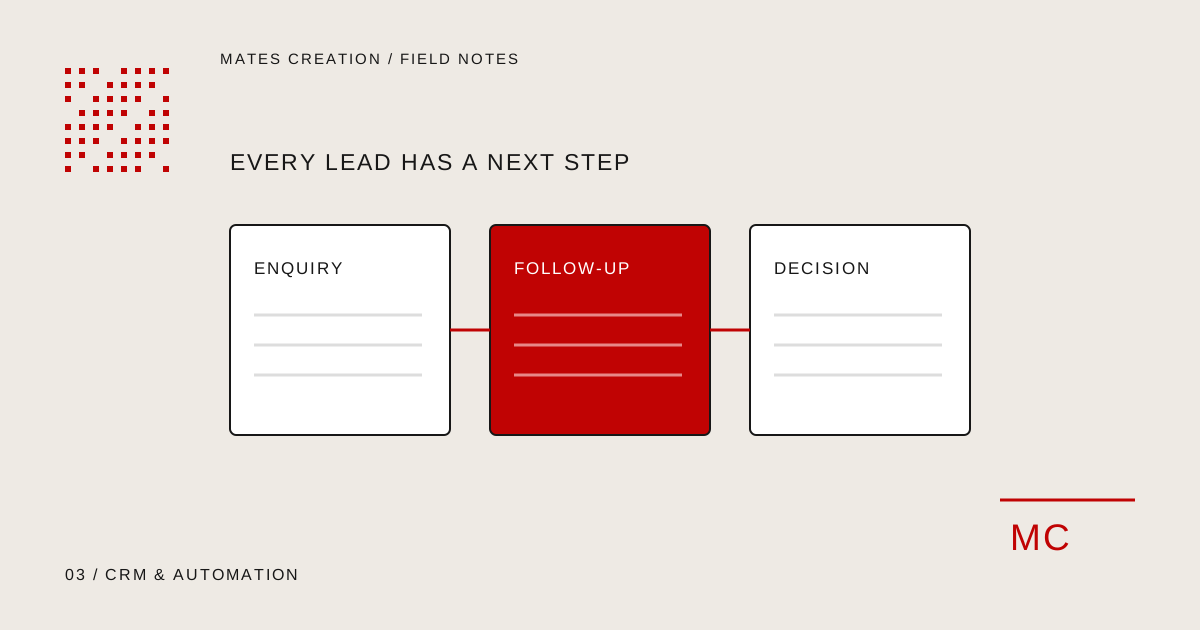
Enquiries live in separate places
Spreadsheets, inboxes and message histories give different people different views of the same enquiry. Important context becomes difficult to retrieve.
When enquiries are spread across spreadsheets, inboxes and messages, your team can lose track of ownership and the next follow-up. A customer relationship management system, or CRM, brings those records into one agreed workflow. We discuss custom lead management, sales dashboards and internal admin tools for property consultants, service teams and growing businesses. We first assess whether your existing CRM can be configured or connected before recommending a custom build.
Discuss Your Project See what can be includedSpreadsheets, inboxes and message histories give different people different views of the same enquiry. Important context becomes difficult to retrieve.
When ownership and due dates are unclear, a promising enquiry can sit unattended. The team needs a shared record of who should act next.
A standard system may lack the fields or stages your process needs. Review whether configuration can close that gap before committing to custom development.
We review your lead sources, stages and follow-up responsibilities with the people using the system. That produces an agreed record structure, user roles and a first-release plan. The work can cover customer screens, pipeline actions, reminders and dashboards, with integrations assessed individually. We check sample records and permission behaviour before handover, then explain how the team manages users and everyday information.
Talk through your requirementsCapture the agreed lead information and organise ownership, notes and next steps.
Define pipeline stages and follow-up rules around how your team handles opportunities.
Agree dashboard views, user permissions and reporting requirements before development.
These are the kinds of work we can include.
Your proposal defines the agreed deliverables.
Define the fields your team needs, enquiry sources, contact details and a way to find or update records.
Set up agreed stages such as new enquiry, contacted and proposal sent. Assign responsibility so each lead has a clear next action.
Scope due dates, notes and notifications around your follow-up process. Delivery channels and scheduling rules depend on the connected systems.
Bring agreed notes, activities and documents into the record so the next person can understand the context.
Define views for open leads, outstanding actions or stage totals. Each report is based on the fields and events the system actually records.
Agree which users may view, edit or export particular information. Administrative permissions and sensitive fields are reviewed before build.
Assess existing spreadsheets and tools, map the agreed fields and verify a sample import. API connections are included only after access and feasibility checks.
Record enquiry sources, assign ownership and track the next step for each lead. Define your stages rather than copying another business’s sales process.
Scope customer records, requirement notes and follow-up views around how your team handles enquiries. Specific workflows are confirmed during discovery.
Agree which information the team needs to see, which users can access it and how reports should be generated.
Start with your business situation,
then agree the work it needs.
Useful when several people handle enquiries and need visibility into requirements, ownership and upcoming follow-ups.
Useful when leads move through repeatable stages and customer history needs to remain accessible to the responsible team.
Useful when an agreed process needs stronger record structure or permissions. A simpler existing tool may still be sufficient for a small workflow.
These examples explain possible uses. They are not client projects or results.
A property team could capture a buyer’s location, budget and requirements, assign a consultant and schedule a follow-up. The fields and reminders would reflect that team’s process.
A service company could track enquiry, discussion and proposal stages, with notes and a next-action date. A dashboard could show records needing attention without claiming that a dashboard alone creates sales.
Website forms, email services and other lead sources may connect through supported APIs or provider integrations. Access, duplicate handling and field mapping are checked first.
A migration needs a review of missing values, duplicated records and source permissions. Agree the records to import, how to verify them and who approves the result.
Each stage has a clear purpose. We agree the scope and feedback points before the project begins.
Plan your projectMap enquiry sources, lead stages, ownership and follow-up tasks with the people who handle them.
Agree fields, user roles, reports, integrations and the first release. Decide whether to extend an existing CRM or build a custom system.
Develop record screens, pipeline actions and the agreed dashboards. Review how real users complete their tasks.
Check representative data, role access, reminders and imports. Verify integrations without exposing customer information in test material.
Move the approved system to the agreed environment, import authorised data and explain everyday administration.
Define backups, access changes and system updates. Monitoring or feature additions require an agreed support scope.
The proposal sets out documentation, access handover and support responsibilities. We discuss maintenance and third-party costs before you commit to the build.
Users, workflows, data sources, integrations and permissions affect the work. Share the systems you use and the problem you want to solve.
We review technical feasibility, data access and ongoing costs. Features that depend on a provider or API are confirmed before inclusion.
Tell us what you want to create or improve. We’ll review your brief and discuss a suitable scope.
Discuss Your ProjectUseful things to know before
scoping this service.
Not always. We review the workflow and existing tools first. Configuration or an integration may be enough; a custom system makes sense when specific records, permissions or processes are not supported adequately.
The agreed fields, stages, roles and views can be designed around your process. Each feature is defined in the scope so later additions can be reviewed and priced separately.
We assess a sample export, field formats and duplicate records before confirming migration. You need permission to use the data, and the import is checked against an agreed mapping.
That depends on supported provider access and the messaging permissions available to your business. We do not assume WhatsApp API access or automatic messaging is included.
User roles, workflows, dashboard requirements, data migration and the number of integrations affect complexity. A first release can focus on the essential lead process before more functions are added.
The handover can explain records, user administration and agreed reports. Hosting, backups, monitoring and future development are specified separately in the support arrangement.
Map lead sources, ownership, pipeline stages, permissions and exception handling before investing in a custom CRM or business automation.
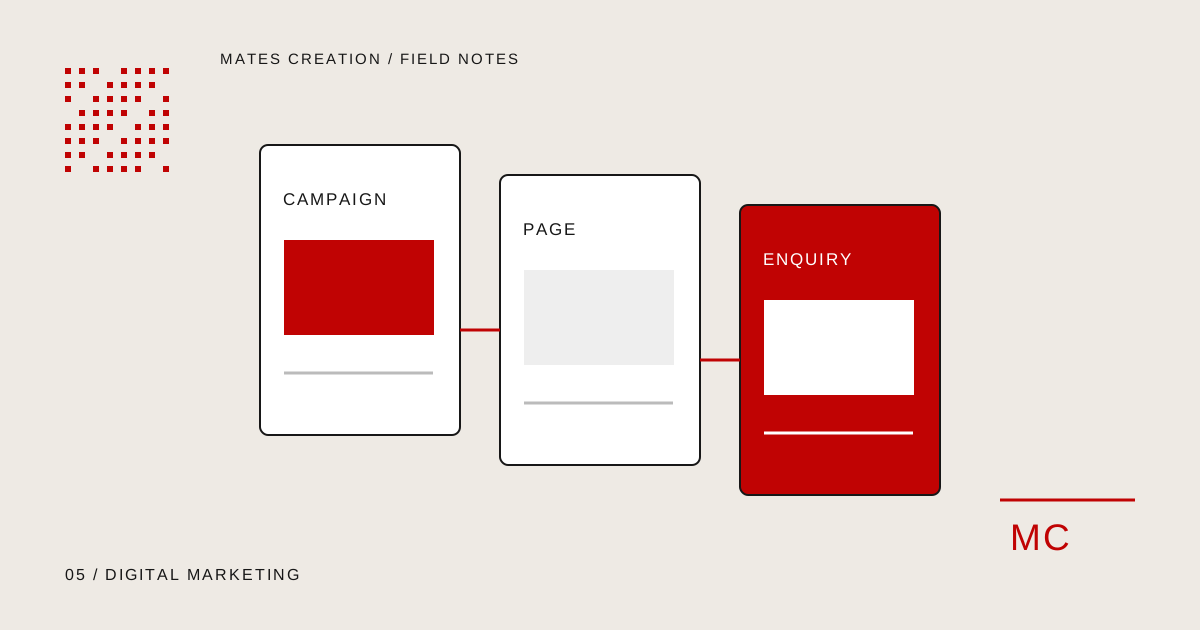
Read the guideConnect advertising messages, landing pages, enquiry forms and lead quality reporting before launching a digital marketing campaign.
Read the guideShare your current tools, lead stages and the follow-ups your team handles. We will review the simplest suitable system.
Discuss Your Project