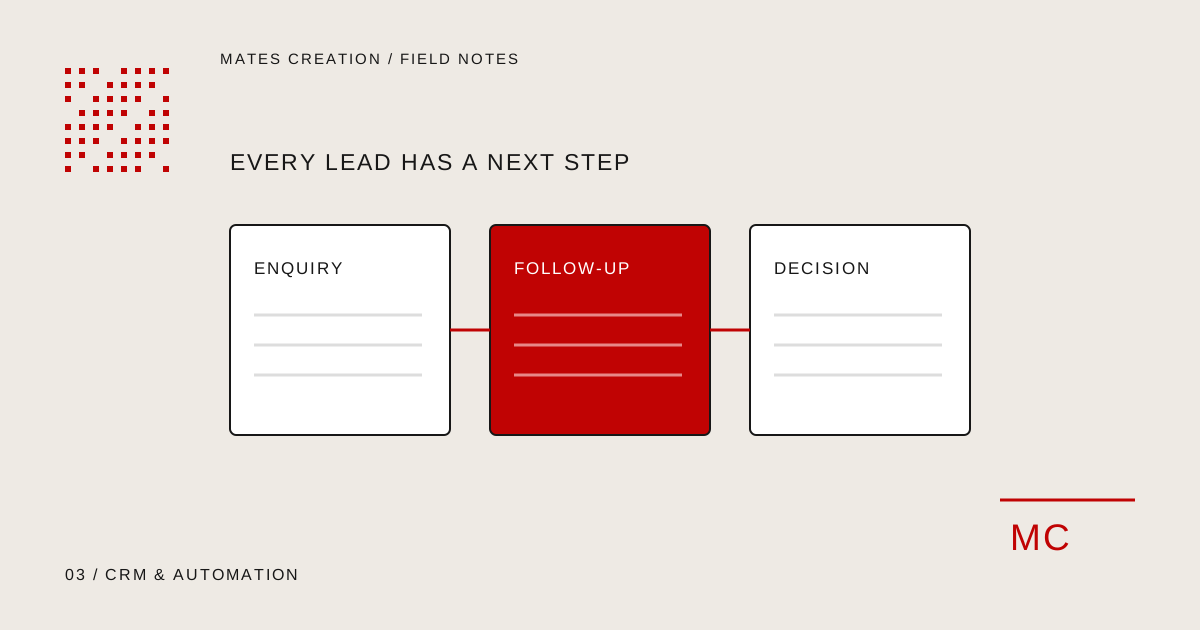
Agree ownership and next steps for each lead stage before automating the movement of customer information.
Map the enquiry from first contact to decision
List where enquiries arrive: website forms, phone calls, advertising and referrals. Follow one typical enquiry through the team. Note who reviews it, what they need to know and how they decide the next action.
Use the same exercise for an enquiry that gets lost. It may have no owner, an incomplete phone number or a follow-up date stored in someone’s personal notes. Those failures help define what the system must make visible.
Give every stage a clear meaning
A pipeline stage should describe a real business state. “New enquiry” can mean that nobody has reviewed it. “Contacted” can mean that a conversation has happened. “Proposal sent” should require an actual proposal and a next follow-up date.
Agree when a lead can move forward and which fields are required. Keep the first version manageable. Collect information your team uses to make a decision, rather than adding fields because they might be useful someday.
- Lead source and received time
- Assigned owner and next action
- Current stage and follow-up date
- Relevant notes and proposal reference
Check an existing CRM before choosing a custom build
Document your essential workflow and compare it with the tools you already use. Configuration may cover the requirement without new software. A custom system is a decision to take on development, testing and future maintenance.
A custom build can be considered when the workflow, permissions or connected applications need behaviour that available tools cannot reasonably provide. Ask the proposal to explain those differences and the cost of maintaining them.
Automate a small, dependable step first
A useful first workflow might route a website enquiry to an owner and create a follow-up task. Decide what happens if the receiving system is unavailable. A failure should be visible and recoverable.
Define how duplicate submissions are handled. Replaying a failed request should not create repeated leads or repeated notifications. Confirm which system owns each record and what happens when information changes in two places. These are requirements to test, not assumptions to leave until launch.
Include permissions, migration and handover
Decide who can view, export, change or delete customer records. A sales representative and a manager may need different access. Use representative test data to review permissions before importing live records.
For migration, agree field mapping, duplicate handling and a rollback approach. Name the owner responsible for reviewing imported records. Handover should include the daily workflow, error monitoring and the process for requesting changes.
- Test a new lead, reassignment and follow-up
- Test incomplete and duplicate submissions
- Test a failed integration and recovery
- Test each user role with representative records
Your planning checklist
- A documented enquiry journey
- Meaningful stages and required fields
- A comparison with existing tools
- Recoverable automation and duplicate handling
- Permissions, migration and support ownership
Where Mates can help
Explore the relevant service scope, deliverables and working process. We review requirements before agreeing a proposal.
Custom CRM & Business SystemsBusiness AutomationSoftware & Web Application DevelopmentDiscuss Your Project